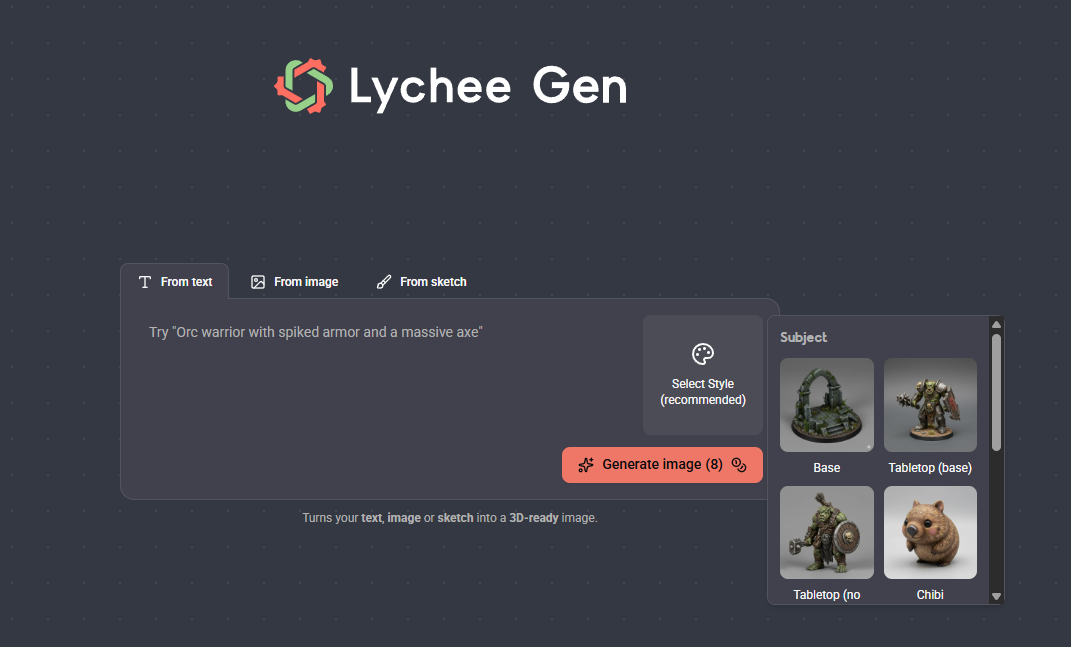
Lychee Gen runs entirely in your browser — there is nothing to download or install. Head to the Lychee Gen portal to get started.
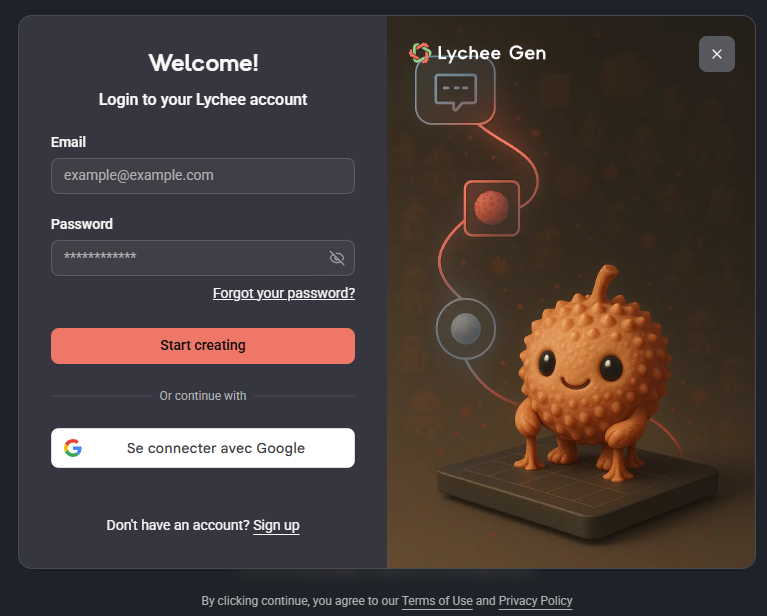
Log in or create an account
If you already have a Lychee account (for example, for Lychee Slicer), log in with the same email and password — one Lychee account gives you access to both platforms. You can also sign in with Google.
If you're new to Lychee, click Sign up and create your account in a few steps.
Note that Lychee Gen opens in its own browser tab — it runs in its own online workspace, fully linked to your Lychee account.
Create your first 3D model
- Choose how to create. Describe your idea with a text prompt, upload an image, or upload a sketch. For detailed walkthroughs, see [Image to 3D — Complete Guide] and [Sketch to 3D — Complete Guide].
- Write your prompt. The more specific, the better — mention the object or character, the pose, details or accessories, and the style or material you want.
- Pick a style preset to guide the look of the result.
- Review the 2D preview. If it's not quite right, edit your prompt and click Regenerate image — repeat as often as you like.
- Generate the 3D model once you're happy with the preview.
- Download your model or send it directly to Lychee Slicer to prepare it for printing.