
Your Lychee account uses the same password across all Lychee products. Resetting it once updates it everywhere.
How to reset your password
- Go to the log-in page and click Forgotten password?
- Enter the email address linked to your Lychee account.
- Check your inbox and follow the link in the password recovery email.
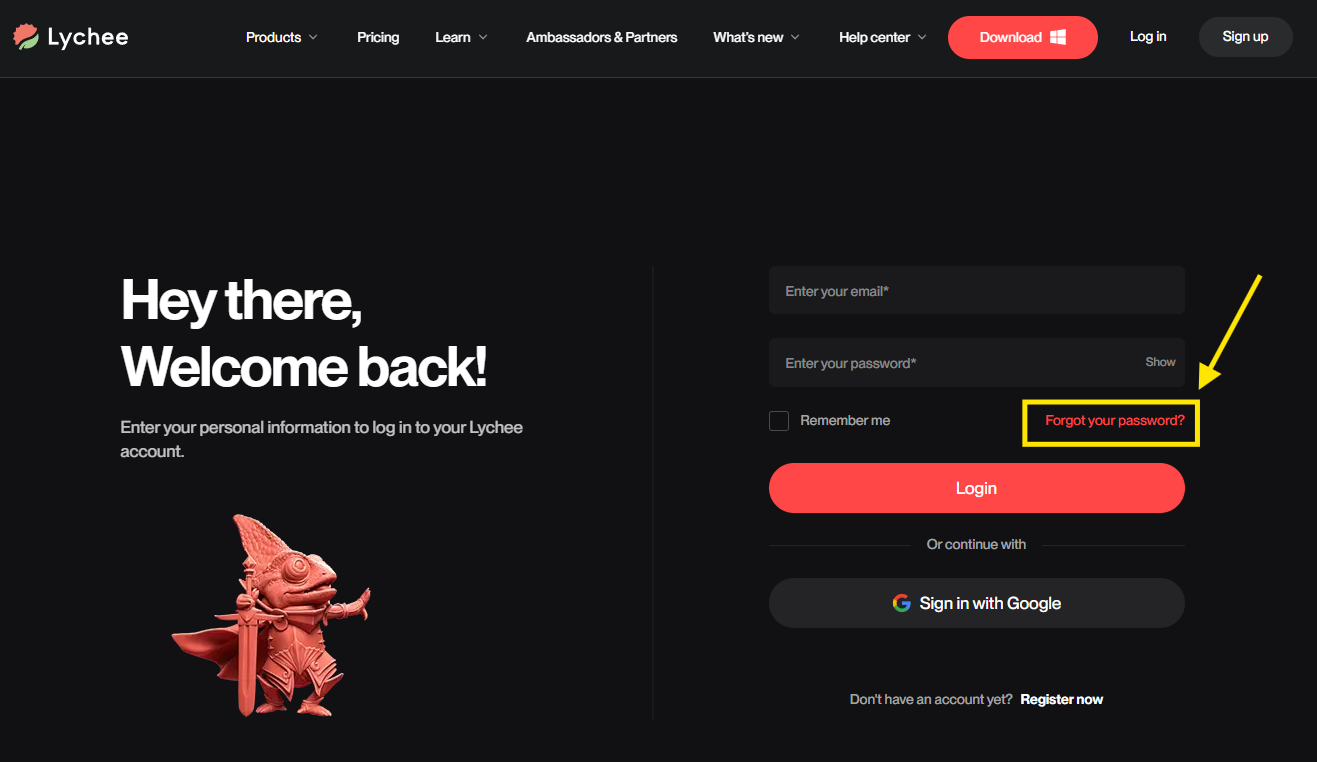
If you are on the Lychee Gen login page, clicking Forgot your password? brings you to the same Lychee reset page — this is normal, as your Lychee Gen login is your Lychee account.
I didn't receive the recovery email
- Check your spam/junk folder.
- Make sure you entered the email address linked to your account — no email is sent if the address doesn't match an existing account.
- If you signed up using Continue with Google, your account has no password to reset — simply log in with Google instead.
If you still haven't received the email, contact our support team.